Your audio, unchanged
The uploaded file is the only soundtrack. The model is told to keep it, so there are no generated vocals, no remixed beat and no second voice layered on.
MP3 in · your own track out
Upload a verse, a hook or a voice note you already recorded. Add a clear photo of each performer, pick a stage, and the video is built around your audio — your track stays the only soundtrack.
Lip-sync, not a slideshow

The short answer
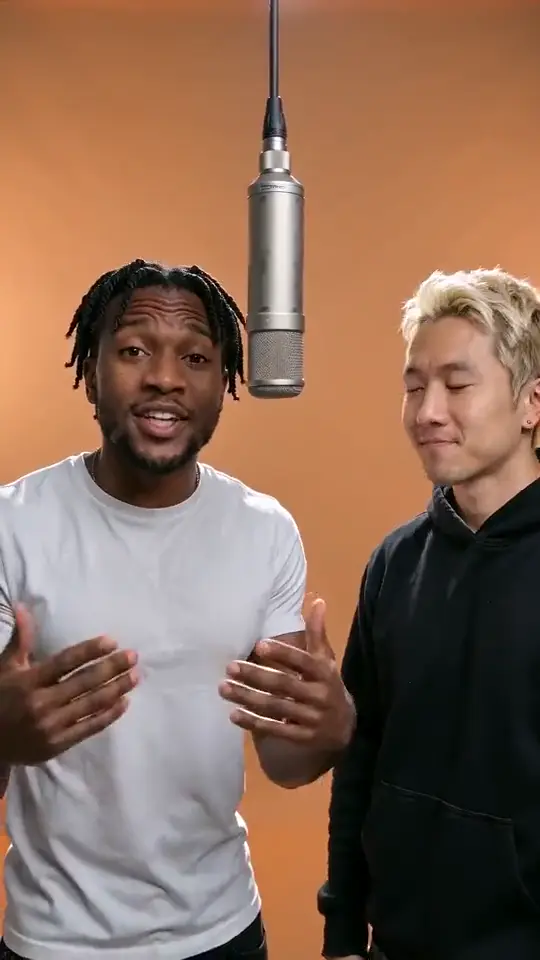
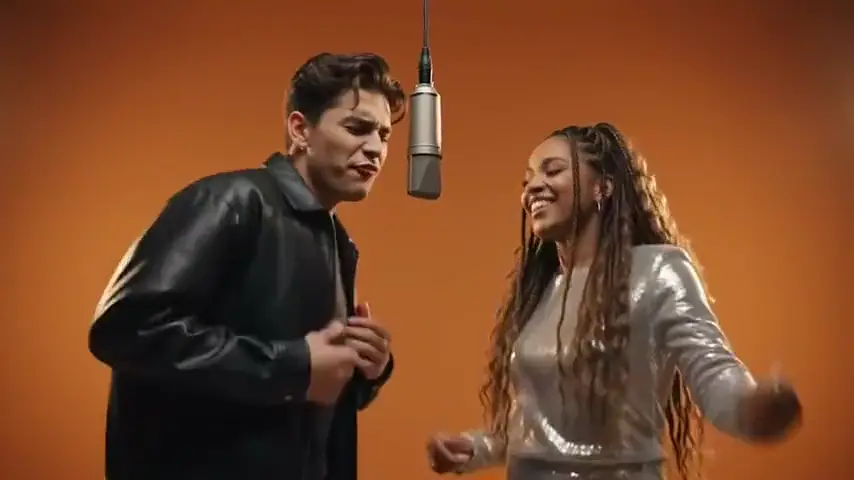
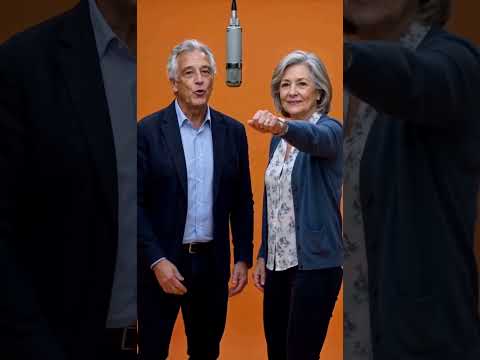
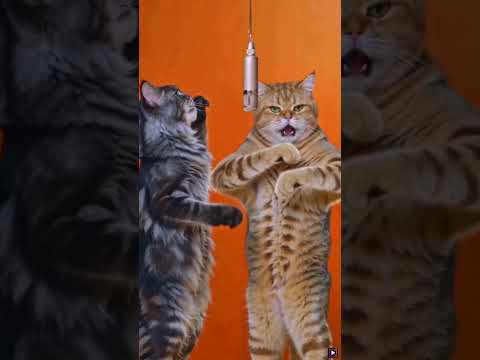
An AI music video generator from MP3 films people mouthing a recording you already have. Upload the track and a photo of each performer; the model builds the stage, the performance and the lip-sync around your audio.
This page is for what the other generators skip: you already recorded the song and want pictures on it. A 12-second render at 720p costs 10 credits, or $6.99 one-off, and a failed render is refunded. Full pricing has its own page.
Three moves
Pick the verse, hook or voice note you want on screen. Two to fifteen seconds is the sweet spot; a longer file is trimmed to the section you choose.
Why: the model listens to the track to place the mouth shapes, so the cleaner the recording, the tighter the lip-sync.
Front-facing and evenly lit, one person per photo. In duo mode the left photo takes the lead and the right one backs up; one-photo mode makes a solo.
Why: the face is what gets rebuilt, so a clear face beats a stylish crop.
Four stages, four models, three resolutions, five lengths, five ratios. Choose how much of the track plays, press create, and the video lands in My videos in a few minutes.
Why: the stage sets the picture and the length caps how much of the audio is used.
The output, item by item
The uploaded file is the only soundtrack. The model is told to keep it, so there are no generated vocals, no remixed beat and no second voice layered on.
The browser cuts a mono 22 kHz WAV of exactly the section you selected, so a 3-minute MP3 becomes a clean 2 to 15 second clip.
Lip movement is generated against the vocal in your track, pauses included, not pasted from a template. An open-mouth photo lands better than a closed smile.
In duo mode the left photo mouths the lead and the right one backs up with nods and leans. Solo mode gives the whole track to one performer.
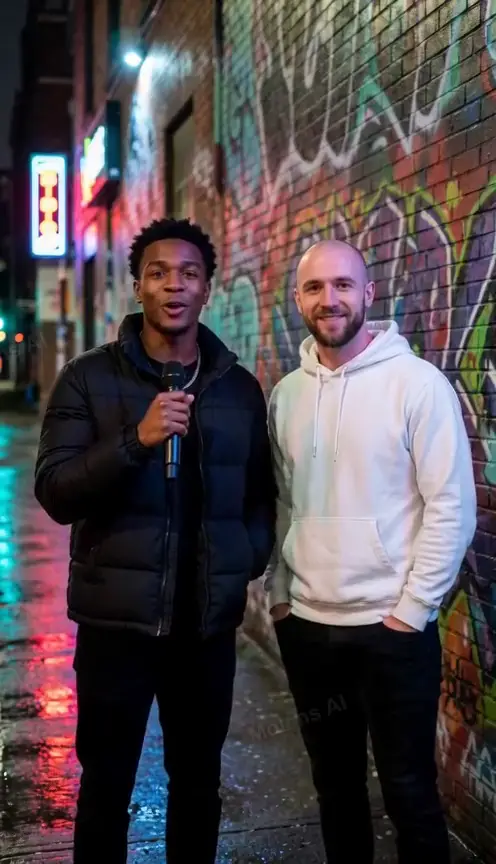
The orange lobby reads as the Hotel Lobby trend, the marble lobby as a formal occasion, the purple booth as studio footage, the night street as a battle.
A vertical 9:16 MP4 of 2 to 15 seconds, from My videos. Square and landscape variants are one click away and free.
720p is the default: the cheapest render that holds up full-screen on a phone. 480p roughly halves the credits, 1080p needs a Pro model.
10 credits at 720p and 12 seconds, or $6.99 one-off. Longer or sharper settings scale with the rate on each model card.
What people bring here
““I wrote 8 bars for my friend's birthday and recorded them on my phone.””
The recording keeps the delivery and the timing you chose; the video puts your faces on the performance instead of a static cover.
““My kid left me a voice note singing Happy Birthday.””
Any clean spoken or sung recording works. It does not need to be a studio take — a phone memo with little background noise reads well.
““I recorded myself singing 12 seconds of a song I love.””
Use your own recording. The tool does not fetch the original track for you, and uploading someone else's master is on you.
““I have a 10-second tagline recorded for my business.””
Same pipeline, different intent: one clear speaker, one stage, a short mouth-synced clip for a story.
““My friend and I recorded our parts separately and mixed them.””
A mixed track works as long as both voices sit in one file. The left photo leads on the louder voice; the right one backs up.
““I recorded a ridiculous 5-second drop for the group.””
Short clips are the cheapest setting and the easiest to get right: five seconds, 480p, one photo, one line.
What makes one good
A vocal with little background noise gives the model a clearer signal to cut the mouth shapes to. Heavy reverb or a crowd behind the voice blurs the timing.
Front-facing and evenly lit, at least 300 px a side. Sunglasses, hats pulled low or a face turned to one side make the rebuild guess.
A 12-second cut that starts and ends on a phrase reads better than a slice out of the middle of a sentence. Use the trim slider to find the line you want.
Five seconds is enough for a hook; twelve holds a full verse. Rendering fifteen seconds of a clip that resolves at six wastes credits on a tail nobody watches.
Before you upload
Answers on formats, length, rights and what happens if a render fails.
MP3, WAV, M4A, AAC and OGG, up to 10 MB. The browser decodes the file and re-encodes only the section you pick.
The video is 2 to 15 seconds. A longer file is trimmed in the browser to the section you pick on the slider.
Yes. Upload a recording you made or have the rights to. The tool does not check licensing and does not fetch the original master.
No. One render costs 10 credits at the default settings, bought in packs or through a monthly plan. There is no signup bonus and no hidden free tier.
Credits are returned automatically within about a minute. A video that never arrives is never charged, and you can retry with the same audio and photos.
No. The model keeps the audio you uploaded as the soundtrack and is told not to generate vocals. It changes the picture, not the sound.
Yes. The MP4 comes without a watermark and lands in My videos, ready to post. Rights to the underlying recording, of course, come from where you got it.
Your recording, on screen
Two photos, one clip, one render. Start at 720p, then adjust after the first one lands.
The audio you upload stays the soundtrack. A render that fails is never charged, and credits return on their own.