Skip to content
RapReel

AI video effect

Bulin 47 โ€” AI video effect from your photo

One photo in, one 5-second Bulin 47 clip out: The original street freestyle, one photo in. No filming, no editing, no app to install.

  • One photo is enough
  • Ready in about a minute
  • 16:9 and 9:16
  • MP4, no watermark
AI exampleBulin 47: a generated sample clip of the effect
AI-made sample ยท Seedance 2.0 Mini ยท 5 s ยท 720p
1

Your photo

One photo is enough: solo or the two of you.

2

Effect

Bulin 47Bulin 47

More effects

3

Video & sound

This video: 4 credits ยท 10 songs a month for $29.90, or 40 a year for $100 View pricing

What it looks like

AI rap videos made with the same engine

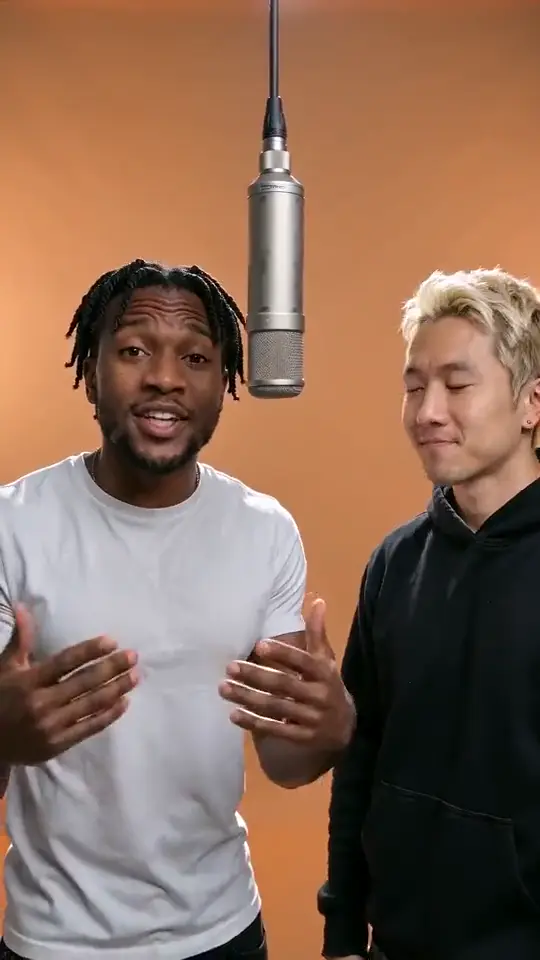
Two friends standing shoulder to shoulder rapping to the camera
Two friends trading barsairapvideo.io
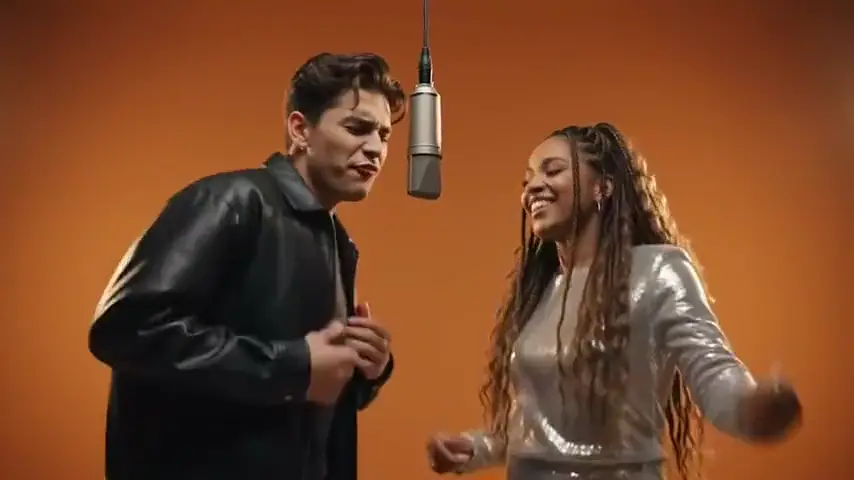
A man in a leather jacket and a woman in sequins performing into a standing mic
A duo at the microphoneFilmora
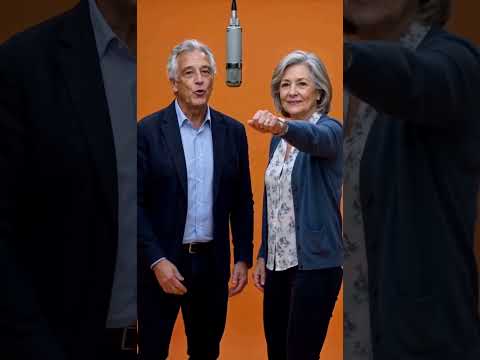
An older couple rapping together under warm studio light
Grandparents on the micAll8AI
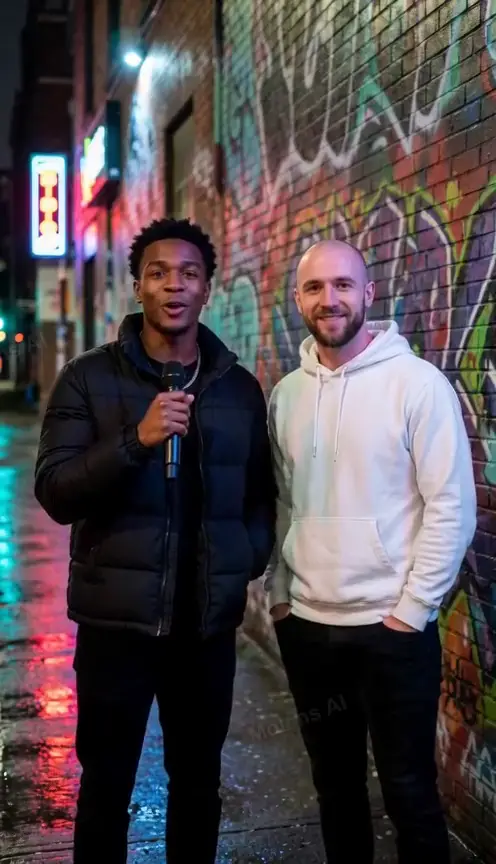
Two performers rapping on a neon-lit city street at night
Night street cypherMolens AI

The short answer

What is the Bulin 47 effect?

Bulin 47 is an AI video effect that turns one photo into a 5-second clip: The original street freestyle, one photo in. You upload the photo, pick the effect, and the model animates the person inside it. It costs 4 credits, and a failed render returns them.

The Bulin 47 effect is one preset, not a blank prompt box. The look โ€” framing, lighting, camera move and how the person moves โ€” is already written into it, which is why two people uploading the same kind of photo get the same kind of clip. Your photo still decides the face, the hair and the outfit; nothing about the person is invented.

What you get
One MP4 clip, no watermark, ready for TikTok, Reels or Shorts.
Photos needed
Up to 2. One clear, evenly lit photo is enough.
Length
5 seconds by default. Other lengths are available in the video settings.
Price
4 credits per clip at the default settings. No subscription required.
If it fails
Credits go back to your balance automatically. Try again or change the photo.
Format
16:9 landscape or 9:16 vertical, your choice before you hit generate.

How it works

Three steps from photo to clip

Start now
  1. Upload one clear photo

    A face-on photo where the person is not cut off, at least 300 pixels on the short side. The panel rejects anything the model cannot read before it charges you.

    The face in your photo is the face in the video. A blurry or angled shot is the single most common reason a clip looks wrong.

  2. Keep Bulin 47 selected

    The effect is already picked on this page. Open the list only if you want a different one โ€” the preview above updates to that effect.

    Every effect is a different camera and a different performance. Switching after you generate means paying for a second clip.

  3. Generate and wait about a minute

    The clip renders at 5 seconds. Keep the tab open; the progress bar is a real estimate, and the video appears in the player when it lands.

    Rendering happens on servers, not your phone. Nothing is installed and nothing is uploaded from your device after the photo.

Every clip, itemised

What the Bulin 47 effect actually does

The look

The Bulin 47 scene is fixed in the prompt: background, light and mood are the same for everyone who uses it. Your photo supplies the person and nothing else โ€” no wardrobe choices, no location scouting, no blocking to figure out. The clip you see is the clip every user of this effect gets, with their own face in it.

Camera

Locked off, medium shot, 35mm, shallow depth of field. No pan, no zoom, no cut โ€” one continuous take.

Movement

Head nods, weight shifts and small hand gestures timed to the beat. Neither the person nor the framing morphs mid-clip, which is the usual failure mode of AI video: the face drifting between frames. Here the model is asked to hold one face, one outfit and one body shape for the whole take.

Length

5 seconds by default, which is what short-form platforms reward. Longer lengths cost more because pricing is per second.

Aspect ratio

16:9 landscape by default; switch to 9:16 for TikTok and Reels before you generate.

Audio

The clip ships muted as an MP4. Add your own track in CapCut, Reels or the TikTok editor โ€” most people do, because the platform audio library gives you trending sounds for free. There is no voiceover and no generated music, so nothing competes with your track.

Reuse

Finished clips land in your account, where you can download them again or re-render with a different photo. Nothing is deleted when you generate the next one, and the same photo can be run through a second effect without uploading it twice.

What people make

Six ways people use this effect

A reaction clip

โ€œA photo of me, a friend, a groupโ€

Post it as the punchline to a story you are already telling on your timeline.

A tribute

โ€œAn old photo of someone you missโ€

Scan a printed photo on your phone and upload the scan. The effect handles the rest.

A couple clip

โ€œOne photo with both of youโ€

Anniversaries, long distance, or just a Tuesday. The two-person version puts both people in frame.

Your pet

โ€œA photo of your dog or catโ€

Pets work because the model only needs a clear face. A sitting, front-facing shot reads best.

A brand moment

โ€œA founder photo or a product shot with a faceโ€

Short, loopable, and cheap to make in batches for a launch week.

A family memory

โ€œA photo of parents or grandparentsโ€

Upload the best photo you have, even if it is old. It needs a face, not a resolution record.

What makes a good result

Four rules for a photo that works

One face, facing the camera

Profile shots and sunglasses cost you the likeness. The model needs eyes and a mouth it can read.

One clear subject

A busy background or a crowd teaches the model the wrong thing. Plain walls work best.

Even light

Avoid harsh side shadows and heavy filters. The effect adds its own lighting on top of yours.

Photos you have the right to use

Only upload people who agreed to it. Anything else gets rejected in review, and paid credits are not refunded for a rights complaint.

Questions

Questions about the Bulin 47 effect

What people ask before they spend their first credits on this effect.

Can I make a Bulin 47 video from one photo?

Yes. One photo is the standard input for Bulin 47; upload it, keep the effect selected, and generate. A second photo is optional for the two-person version.

How many photos do I need?

Up to 2. One is enough; the panel tells you when a second photo changes the result.

Is the Bulin 47 effect free?

No. It costs 4 credits per clip at the default settings, and you can try the whole flow โ€” upload, choose, preview pricing โ€” without paying.

Does the clip come with audio?

No. The MP4 ships silent, so you can lay any track under it. Add your own song in CapCut, Reels or the TikTok editor โ€” that is what most people do.

How long does it take?

Usually under a minute for a 5-second clip. Busy hours can stretch it; the progress bar estimates the wait and the player updates when it is done.

What happens if the render fails?

The credits return to your balance and no clip is charged. You can retry with the same photo or a different one.

Is there a watermark?

No. You download a clean MP4 that you can upload anywhere, including platforms that scan for watermarks.

Can I use the clip commercially?

Yes, for content you have the rights to. You must own or have permission to use the photo and everyone in it.

Ready when you are

Make your Bulin 47 clip

One photo, 4 credits, about a minute. If it does not render, the credits come back.

Failed renders are refunded automatically โ€” you never pay for a clip you did not get.