Your vocal, note for note
The slice you picked is the only audio track. The prompt tells the model to keep it, so no vocals are generated over yours.
Upload the verse, hook or freestyle you already recorded. Add a photo per performer and pick a stage — your rap stays the only soundtrack.
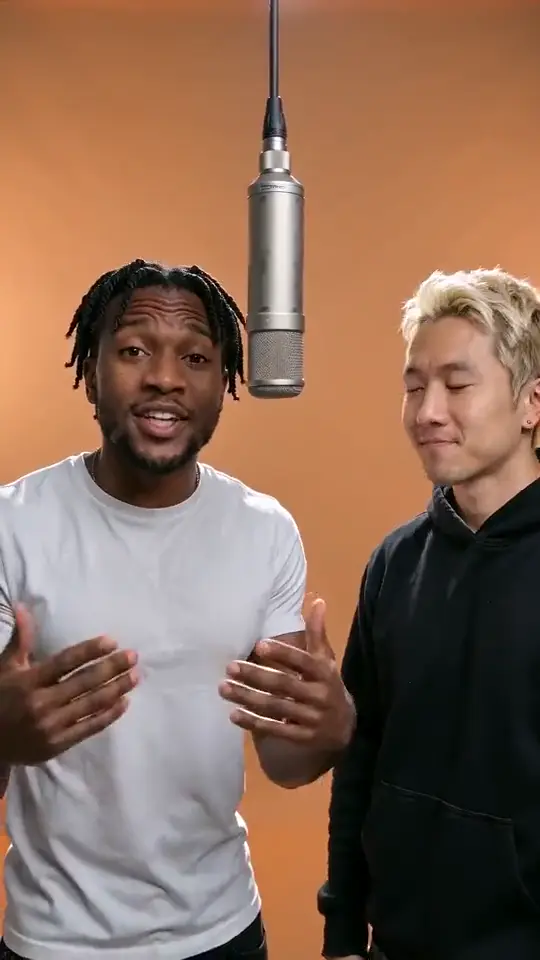
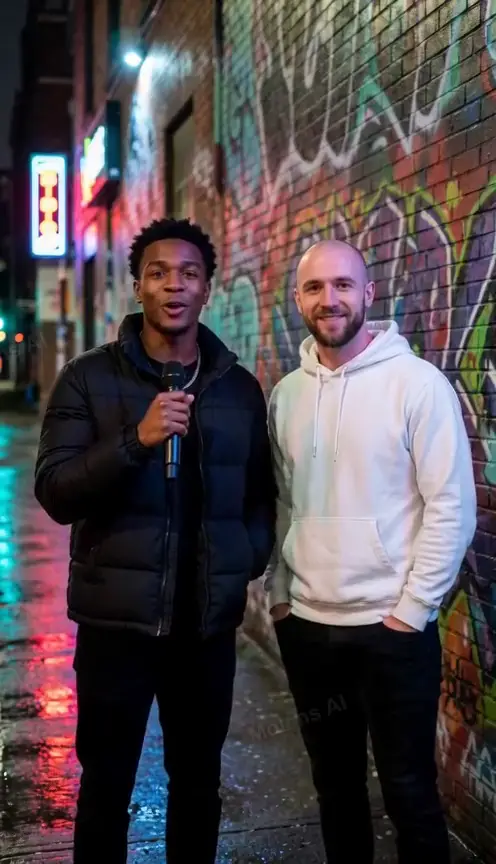
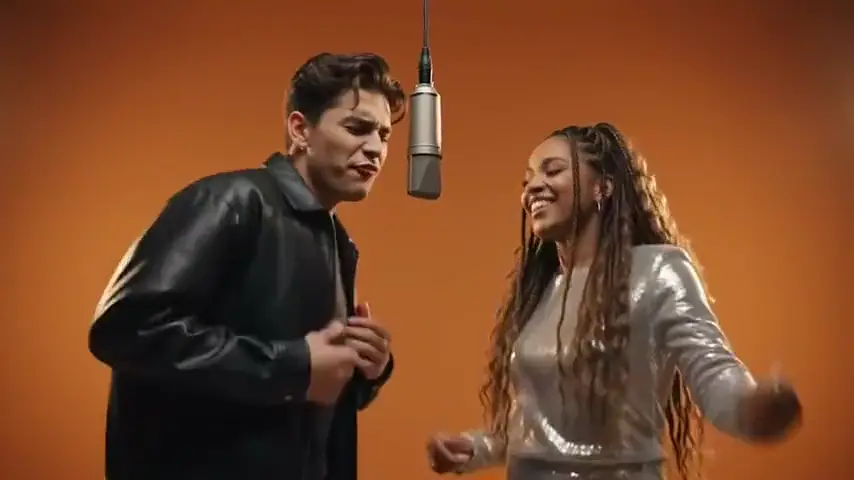
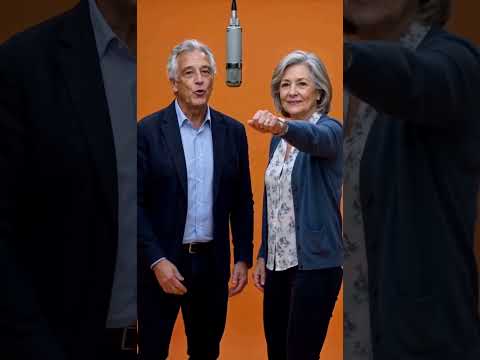
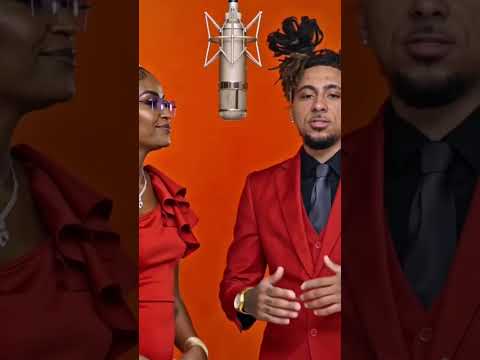
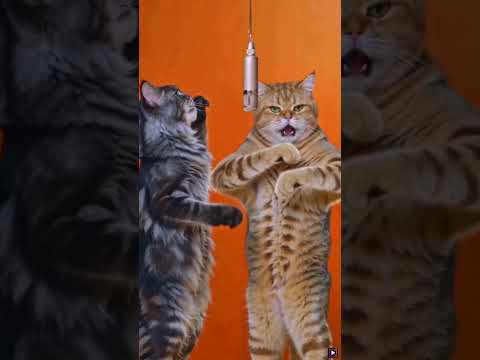
A rap song generator turns a rap you already recorded into a rap video: upload the verse or hook, add a photo per performer, and the model builds the stage and lip-sync around your audio.
This page is for a rap that already exists as a file. With no recording yet, the AI rap generator writes the bars for you. A 12-second render is 10 credits, refunded if it fails; pricing has its own page.
Drop in the full track and move the start slider to the verse or hook you want. Two to fifteen seconds is the window — four to sixteen bars at a normal tempo.
Why: mouth shapes are placed against the vocal, so a section starting on a downbeat reads tighter than a cut through a line.
Front-facing and evenly lit, one person per photo. In duo mode the left photo takes the lead and the right handles ad-libs; one-photo mode gives the whole verse to one rapper.
Why: the face is what gets rebuilt frame by frame, so a sharp front-facing shot beats a stylish crop.
Four stages, four models, three resolutions, five lengths, five ratios. Press create and the clip lands in My videos in a few minutes.
Why: the stage sets the picture and the length caps how much audio plays, so both come first.
The slice you picked is the only audio track. The prompt tells the model to keep it, so no vocals are generated over yours.
The browser re-encodes exactly your selected range into a mono 22 kHz WAV, so a three-minute track becomes a clean two-to-fifteen-second clip.
Lip movement is generated against your vocal, pauses and ad-libs included, not pasted from a template. An open-mouth photo lands better than a closed smile.
In duo mode the left photo mouths the lead; the right one leans in for short ad-libs and stays closed otherwise. Solo mode gives the whole slice to one performer.
The orange lobby reads as the Hotel Lobby trend, the marble lobby as formal, the purple booth as studio footage, the night street as a battle. The stage never changes the price.
A vertical 9:16 MP4 of 2 to 15 seconds, from My videos. Square and landscape are one click away and cost the same.
10 credits at 720p and 12 seconds, or $6.99 one-off. 480p roughly halves the credits and 1080p needs a Pro model.
The recording keeps your delivery and timing. The video puts faces on the performance instead of leaving it a voice note nobody replays.
““I wrote eight bars for my friend’s birthday and recorded them on my phone.””
A kitchen take with some room noise still works. Pick the four bars that landed, not the whole two minutes.
““I freestyled over a beat in the kitchen and the take was actually good.””
Hooks are the easiest slice because they loop on a clean point. Eight seconds of a chorus reads complete where eight seconds of a verse reads interrupted.
““The chorus is done, we just never shot anything for it.””
Use a pet photo or a deliberately bad duo shot. The audio still carries the punchline and nobody has to explain the hotel lobby.
““We recorded a diss track and want the video to be the joke, not us.””
The video holds two faces; other voices still come through untouched. A group track becomes a two-person performance with no re-record.
““Four of us on one track, but only two are in the photos.””
Name the shop in the recording and it lands in the audio. Pick a bright stage and a short length, then loop the MP4 on a store screen.
““We recorded a ten-second rap for the bakery and want it on the shop screen.””
A cut that opens mid-word looks like a mistake however good the lip-sync is. Slide until the first syllable lands on a kick.
The model reads the vocal to place mouth shapes, so a loud beat over the voice is harder to sync than an a cappella memo.
Front-facing, evenly lit, 300 px a side minimum. Sunglasses, a low cap or a head turned away give the rebuild less to anchor on.
Five seconds holds a hook; twelve holds a verse; fifteen only earns its credits if the line resolves at the end.
Answers on what this writes, what it keeps, and what it costs.
You do. This page starts from a recording: the model builds the stage and lip-sync and leaves the words alone. Want the bars written for you? The AI rap generator does that.
The part that stands alone: a hook, a sixteen, or the four bars people quote back. The video runs 2 to 15 seconds, so a longer file is trimmed on the slider.
No. A phone memo with little background noise syncs fine. A loud beat over the vocal makes mouth shapes harder to place.
10 credits at 720p and 12 seconds — $6.99 one-off with nothing recurring, or $29.90 a month for ten videos. A failed render is refunded.
No. Your slice is the soundtrack and the model is told not to generate vocals over it. It changes the picture, never the sound.
The MP4 comes without a watermark and lands in My videos, so it is yours to post. Rights to the recording come from wherever you got it.
Credits come back within about a minute. A video that never arrives is never charged, and you can retry with the same audio and photos.
One upload, two photos, one render. Start at 720p and twelve seconds, then adjust after the first.
Your recording stays the soundtrack. A render that fails is never charged, and credits return on their own.
